Security Risk 2
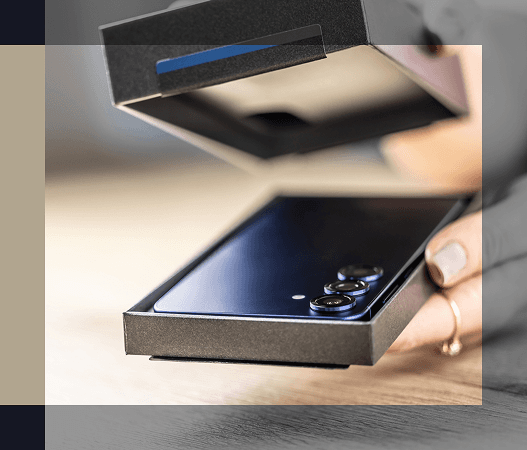
Fresh out of the box isn't always up-to-date
Security Risk 2
Fresh out of the box isn't always up-to-date
New devices don't always arrive with the latest operating system and often need updates. Outdated software can have known security weaknesses that cybercriminals are already exploiting. Additionally, devices that come pre-configured with default passwords and security settings can increase vulnerabilities, such as allowing unnecessary access to your data, camera, microphone, or location.
Warning signs to watch for
- You receive repeated prompts telling you an update is available - do not ignore these warnings - go to your system settings to update the software
- Apps ask for permissions that don't make sense
- Features like Bluetooth or file sharing stay on all the time
- Privacy settings are turned off, allowing your data to be shared with third parties
Simple ways to stay safe
- Check for system updates as soon as the device is turned on
- Turn on automatic updates for the future
- Review privacy and security settings one step at a time
- Change default passwords to strong, unique passwords using a password manager
- Disable features you don't use or that indicate your data will be shared